
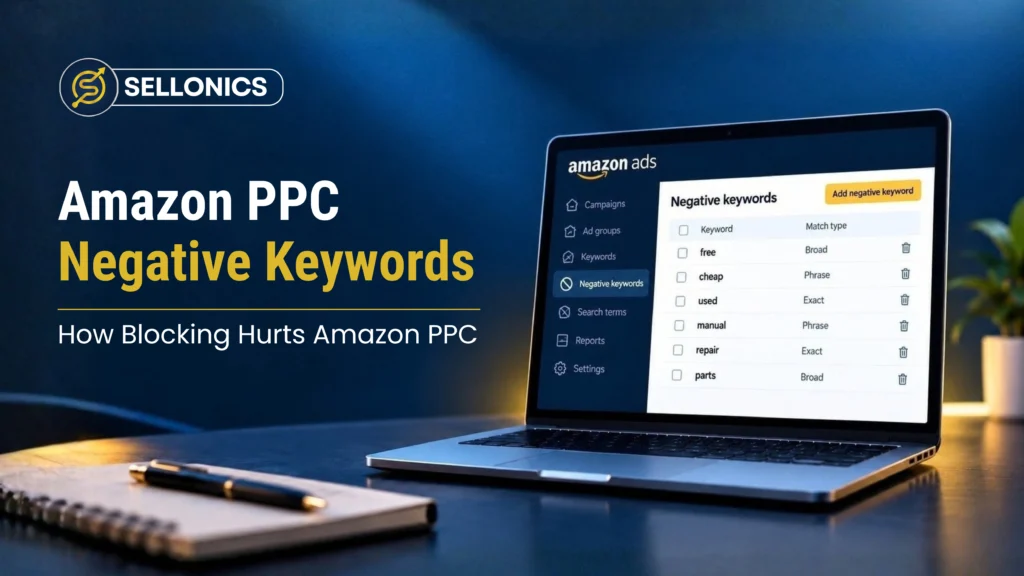

We took over an Amazon account that looked fine at first glance. Ad spend had not changed in a year. Nothing was obviously broken.
But sales had fallen hard, from around 800 units a month down to 400. That is roughly a 58% drop in revenue over twelve months. Amazon PPC negative keywords were the quiet cause, and nobody had noticed because nothing looked wrong from the outside.
What a Negative Keyword Actually Does
A negative keyword tells Amazon not to show your ad when someone searches that term. It is a normal and useful tool.
It stops your ad showing for searches that have nothing to do with your product, which saves money. If it’s used well it protects your budget without costing you real customers.

Where the Account Went Wrong
The ad spend had stayed steady the whole time, so the drop was not about spending less. It was about the ads reaching fewer of the right people.
The previous account manager had been adding negative keywords for months. Search by search, the account had blocked more and more real, relevant traffic along with the irrelevant stuff. Over time this quietly shrank the pool of shoppers who ever saw the product at all.
Why Nobody Noticed
This is the tricky part. A blocked keyword does not show up as an error anywhere. There is no alert. The ad spend looks normal. The account looks managed, because someone was clearly making decisions every month.
But the sales chart tells a different story. Slow, steady decline, month after month, while everything on the surface stayed the same.

Signs Your Negative Keyword List Has Gone Too Far
A handful of warning signs tend to show up together before sales visibly suffer.
- Impressions fall slowly over several months with no obvious cause
- The search term report shows fewer unique terms triggering your ads each month
- New, relevant searches never seem to appear in your reports
- Ad spend stays flat while sales quietly decline
Any one of these on its own could mean something else. Two or more together point straight at the negative keyword list.
Catching these signs early is far easier than untangling twelve months of quiet decline, so it is worth checking even when nothing feels urgent.
What We Changed
We pulled the full negative keyword list and went through it properly, not skimmed, actually read, term by term.
A good number of them were blocking searches that real customers were using to find this exact product. We removed those and kept the ones genuinely blocking irrelevant traffic. Ad spend stayed the same. Sales started recovering, because the ads could reach people again.
Why Reviews Stop Happening
Most teams do not skip reviews on purpose. The list grows one small addition at a time and never feels urgent enough to revisit.
A busy account manager adds a negative, moves on, and never circles back. Multiply that by dozens of small decisions across a year and the list becomes something nobody fully understands anymore.
How to Review Your Own Negative Keyword List
You do not need special software for a first pass. Set aside a couple of hours and work through these steps.
- Export the full negative keyword list. Include both campaign level and ad group level negatives, not just one.
- Read every term, not just the long ones. Short or generic terms often cause the most damage.
- Check each term against your current product. Ask whether a real buyer could type that exact phrase while looking for your item.
- Cross check with your search term report. Look for relevant searches that have dropped off completely.
- Remove anything blocking a real buyer search. Keep the terms that are clearly blocking irrelevant traffic.
A Simple Table to Sort Terms As You Go
| Term type | Example | Action |
|---|---|---|
| Clearly irrelevant | A different product category entirely | Keep blocked |
| Relevant but low intent | Research terms like “how to” or “review” | Keep blocked |
| Relevant buyer search | A phrase a real customer would use to find this product | Remove from the list |
What Good Looks Like After a Review
A healthy negative keyword list is short, well understood and easy to explain. Every term on it should have a clear reason for being there. If you cannot explain why a term is blocked, that is a sign it needs a second look rather than being left alone.
Keeping the List Healthy Going Forward
A one off clean up fixes the immediate problem. It does not stop the same thing happening again.
- Review the full negative keyword list on a set schedule, at least once every quarter
- Have a second person check new negatives before they are added, especially short or generic terms
- Keep a short note of why each term was added so a future review is faster
If you want a full review of your account rather than just the negative keyword list see our Amazon advertising management service.
Why We Miss on a Quick Account Check
A short glance at an account rarely catches this problem. Spend looks normal, campaigns are active and someone has clearly been working on it.
The only way to catch it is to look at total sales over a longer stretch, six months or more, and compare that trend against the size of the negative keyword list over the same period. A quick weekly check will not show it.
Key Takeaway
Negative keywords are meant to protect your budget, not shrink your audience. Each one you add makes sense on its own, at the moment.
The damage comes from never going back and checking the list as a whole. If nobody has reviewed your negative keyword list in the last six months, that is worth doing before you touch anything else.
Book A Call



We manage Amazon complexity, so you can focus on scaling
Built for brands that want predictable Amazon performance without micromanaging every detail.
Real growth. Backed by real numbers.