
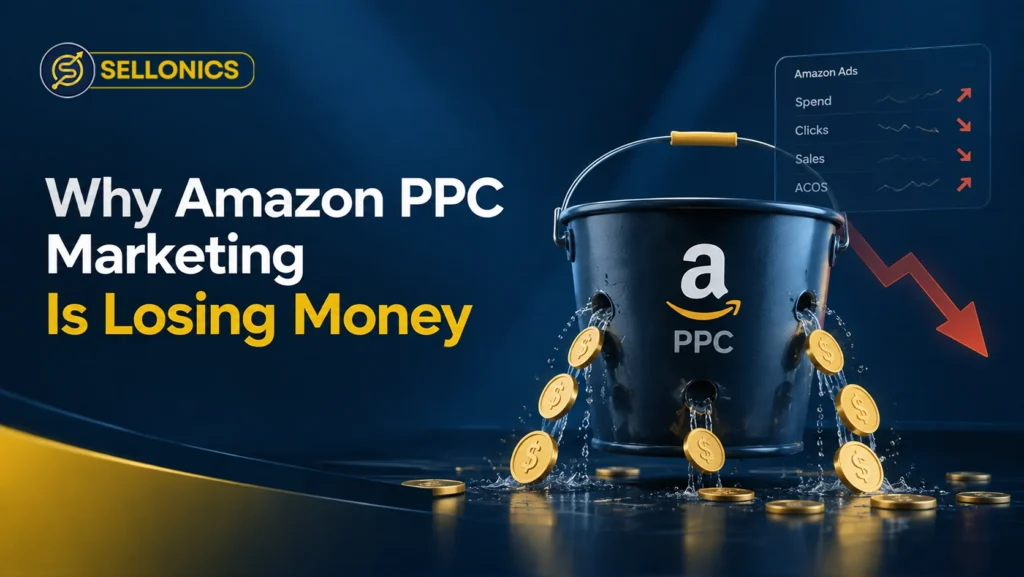

If your marketing campaign is losing money, it is rarely down to one single mistake. Most accounts lose money because two or three small problems are stacking on top of each other at the same time.
This guide walks through where that money actually leaks, in the order you should check it, so you can fix the real cause instead of guessing at bids.
The Real Reason Amazon PPC Marketing Loses Money
Sellers usually blame high bids first. In most accounts, bids are only part of the story.
There is rarely one single reason your Amazon PPC marketing is losing money. A campaign can have strong keywords and still lose money if the product is out of stock, the listing does not convert, or the account structure confuses Amazon’s system.
Treat this like a diagnosis, not a quick fix. Work through the checks below in order, since adjusting bids on a listing with a weak image will not save you.
Step 1: Check for Stockouts and Buy Box Losses First
Ads running on a product that is out of stock or has lost the Buy Box are one of the fastest ways to burn money for nothing. Amazon can keep serving impressions and clicks even when your offer is not the one customers actually buy from.
Before touching a single bid, check your inventory dashboard and confirm every advertised ASIN is in stock and winning the Buy Box. This one check alone removes some of the most obvious waste in an account.
Step 2: Audit Your Search Term Report for Wasted Clicks
The search term report shows exactly what shoppers typed before they clicked your ad. It is the clearest window into where your budget is really going.
Look for search terms with several clicks and no sales. Add these as negative keywords so your budget stops going to searches that were never going to convert. Amazon’s own getting started guide for Sponsored Products explains where to find this report inside Seller Central and what each column means.
Step 3: Look at Your Listing, Not Just Your Ads
A weak listing can drain a well-built campaign, even with a strong keyword list, if nobody who clicks feels confident enough to buy. Poor images, a thin title, or a run of negative reviews will quietly push your ACOS up no matter how good your ads are.
Before adding more budget, check that your main image is clear, your title matches what people actually search for, and your price is competitive within the category. Our Amazon SEO optimisation services focus on exactly this gap between traffic and conversion, so the clicks you already pay for have a better chance of turning into a sale.
Step 4: Review Your Campaign Structure and Match Types
Structure problems are harder to spot than a bad keyword, but they cost more over time.
- Every product in one campaign: budget drifts toward whichever ASIN Amazon favours, not your best seller
- Broad match with no negative keywords: irrelevant searches quietly eat the budget
- Sponsored Brands or Display running with no clear goal: spend increases with no obvious return
- Bids changed daily based on one day of data: campaigns never get the two or three weeks they need to settle
Why Break-Even ACOS Matters for Performance
A high ACOS is not automatically a problem. What matters is whether it sits above your break even point, the ACOS at which advertising stops being profitable for that product.
The ACOS Formula
ACOS is ad spend divided by ad sales, then multiplied by 100. Spend £50 on clicks that generate £200 in sales, and your ACOS is 25 percent.
A Quick Example
Say a product sells for £20 with a profit margin of 30 percent after Amazon fees and costs, or £6 per unit. Your break even ACOS is roughly 30 percent. A 35 percent ACOS on that product is a real loss. The same 35 percent on a product with a 50 percent margin is still profitable.
How Wasted PPC Spend Hurts Your Organic Ranking
There is a second cost to inefficient ads that many sellers miss. Clicks that do not convert send a weak signal to Amazon’s ranking system, since low conversion tends to read as low relevance for that keyword.
Over time, this can quietly work against the organic ranking your ads were meant to support in the first place. A tighter, better converting campaign protects both your ad spend and your position in search results.
A Simple Weekly Amazon PPC Audit Checklist
- Check that every advertised ASIN is in stock and winning the Buy Box
- Pull the search term report and add new negative keywords
- Review ACOS against your own break even number, not a generic target
- Move any manual keyword with three or more sales into its own tightly targeted campaign
- Pause or reduce budget on anything that has spent well past break even with no sales
Key Takeaway
Amazon PPC marketing loses money when small problems stack together, not usually because of one bad decision. Work through stock, search terms, listing quality, and structure in that order before touching bids again, and judge performance against your own break even ACOS rather than a number you saw somewhere else.
Book A Call



We manage Amazon complexity, so you can focus on scaling
Built for brands that want predictable Amazon performance without micromanaging every detail.
Real growth. Backed by real numbers.