

Reviews are one of the first things a shopper checks before buying on Amazon. A listing with plenty of reviews feels safe to buy from.
A listing with almost none feels like a risk, even if the product itself is good. If you want to know how to get more Amazon reviews safely, the problem is simple. Most buyers never leave a review at all.
Why Reviews Are Harder to Get Than You Think
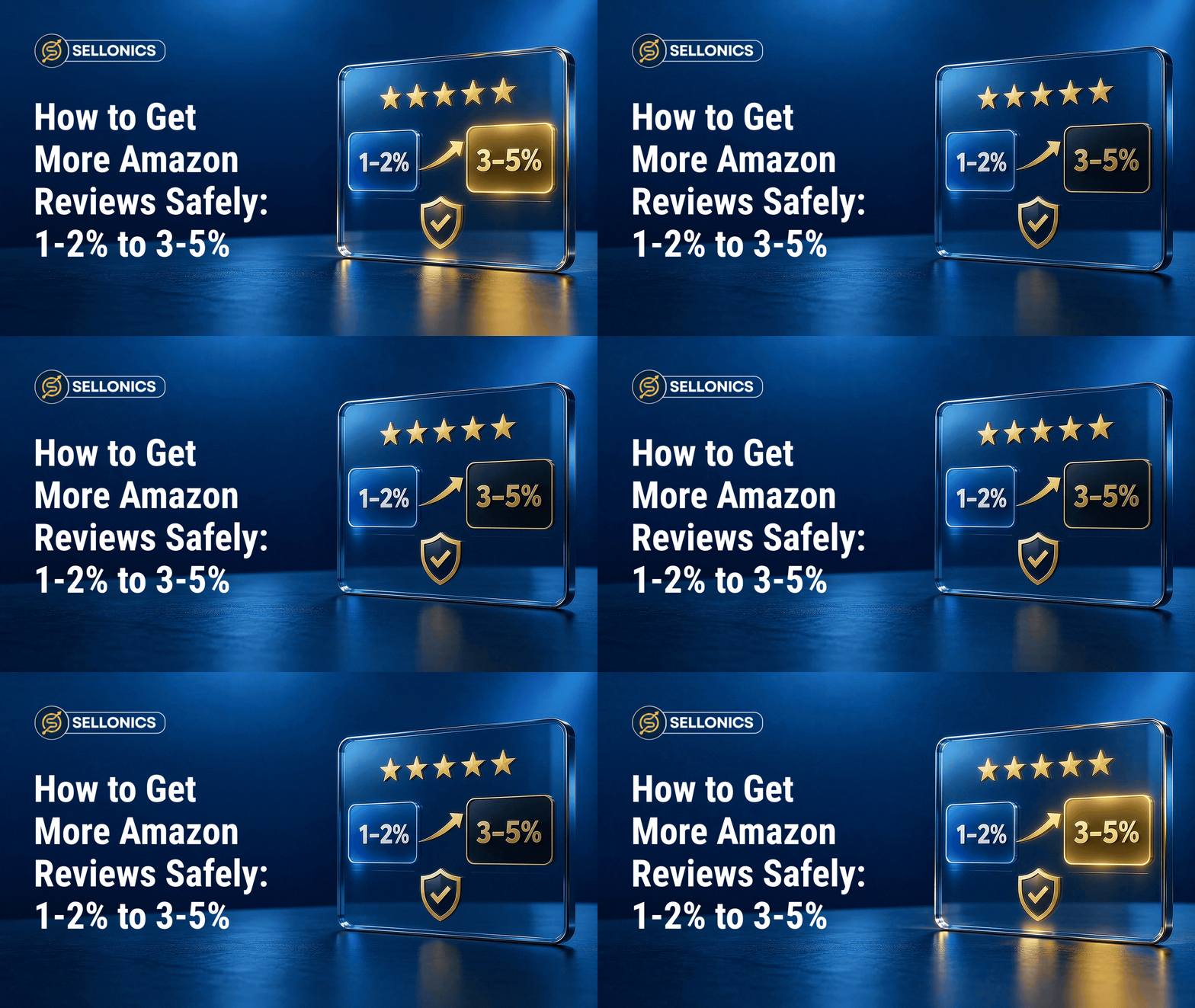
Across most product categories, only around 1 to 2 out of every 100 buyers leave a review. That is not a sign anything is wrong.
It is simply how most people behave after buying something online. They are happy, they move on, and leaving feedback is not on their mind.
That means most of the useful opinions about your product are never captured. Listings can look thinner on reviews than the actual buyer experience deserves.

What Does Not Work and Why
There is a temptation to speed this up with shortcuts. Offering money back for a review. Swapping free products for positive feedback. Buying fake reviews outright.
All of these break Amazon’s rules. They can get individual reviews removed. In serious cases they can get a whole account suspended. It is not worth the risk. It does not build trust with real shoppers either. Inflated reviews tend to look inflated.
What Amazon Explicitly Blocks
- Offering a refund, discount, or free product in exchange for a review
- Asking only happy customers to leave feedback and skipping unhappy ones
- Trading reviews with other sellers or writing reviews on your own products
- Buying reviews from a third party service
What Actually Grow Reviews
Amazon has its own built in system for requesting reviews. It is available to sellers through approved tools in Seller Central. It lets you send an automatic, compliant request to a buyer after their order. It asks if they would like to leave a review or seller feedback. No incentive is offered. No pressure is applied.
It is simply a reminder, sent at the right moment, to someone who is already eligible to leave one.
Why a Simple Reminder Works
The reason this works is not clever marketing. It is much simpler. Most buyers who would happily leave a review just never think to do it unless asked.
It is a bit like “a waiter asking if everything was alright with the meal, instead of hoping you leave a tip without being asked.” Most happy customers will say something kind. They just need the prompt.

Rise You Can Expect
Used consistently, this can lift a review rate from the usual 1 to 2% up to somewhere in the 3 to 5% range.
That might not sound dramatic on its own. Multiply it across a few thousand orders, and it becomes the difference between a listing with a handful of reviews and one that looks genuinely well established.
| Review rate | What it usually means | Typical cause |
|---|---|---|
| 1 to 2% | The default rate without any prompting | No review request sent |
| 3 to 5% | A consistently used request process | Amazon’s Request a Review button sent on every eligible order |
How to Set Amazon Reviews Request
You do not need anything complicated to start. Follow these steps in Seller Central.
- Open your order detail page. This is where the Request a Review button lives for each eligible order.
- Check the request window is open. Amazon only allows one request per order, within a set window after delivery.
- Send the request for every eligible order. Do not pick and choose based on how the order went.
- Track your review rate monthly. Reviews divided by orders tells you whether the process is actually working.
- Keep it running consistently. A one off push will not hold the rate up. Regular use is what keeps it steady.
A Few Rules Worth Repeating
- Send the request to every eligible order, not just the ones you expect to go well
- Never attach an offer, discount, or incentive to the request
- Only use Amazon’s own tool or an approved automation that sends the standard request
A low review rate after using this consistently is often a sign of a product or experience issue, not a volume problem worth chasing harder.
How Review Requests Fit Into a Wider Routine
Sending requests is only half the job. Pairing it with a simple monthly check keeps the habit from slipping.
- Review your request rate each month, not just your review count
- Spot check a handful of recent orders to confirm requests actually went out
- Flag any product with an unusually low rate for a closer look at the listing or packaging
A short monthly check like this catches problems early, before they show up as a stalled review count months later.
Why This Matters Beyond the Review Count
More reviews do not just look better. They tend to improve conversion rate, the percentage of people who click on your listing and actually buy.
A shopper on the fence, comparing your product to three others, is more likely to choose the one that looks trusted. That effect shows up without spending an extra pound on advertising.
If your ad spend is already stretched thin, fixing review rate is a free lever worth pulling before increasing budget. Our post on exact match keywords wasting your Amazon ad spend covers a separate way accounts waste money without realising it.
Common Mistakes That Hold the Rate Back
A few habits quietly cap review rate even when the Request a Review button is in use.
- Only sending requests on some orders instead of every eligible one
- Letting the request window close before anyone sends it
- Using a third party tool that is not properly connected or compliant
- Treating one busy month of requests as a fix rather than an ongoing habit
Fixing these is usually a process problem, not a product problem. It is worth checking before assuming nothing can be done.
Frequently Asked Questions
How soon after delivery should I send a review request?
Amazon sets the eligible window for the Request a Review button, and sending it as soon as the order qualifies tends to work best, while the purchase is still fresh in the buyer’s mind.
Can I ask only my happiest customers to leave a review?
No. Amazon requires requests to go out evenly, without picking and choosing based on how an order went. Doing this selectively breaks the rules and risks account action.
Will review requests annoy my customers?
A single, standard request through Amazon’s own tool rarely causes complaints. It reads as a normal part of the order process, not a sales pitch.
What if my review rate stays low even after using the request tool?
That is usually a sign worth looking at the product or packaging experience itself, rather than sending more requests or chasing the number harder.
Do seller feedback and product reviews count the same way?
No. Seller feedback rates your service and shipping. Product reviews rate the item itself. The Request a Review button can prompt either, depending on how the buyer responds.
Key Takeaway
You do not need tricks to get more reviews. You need to actually ask, through the channels Amazon allows, at the right time. If your review rate is stuck around 1 to 2%, check whether you are using Amazon’s own request tools consistently. It is a small, safe change that can make a real difference to how trustworthy your listing looks.
Skipping this step and hoping reviews show up on their own is a bit like “leaving a tip jar out but never actually serving the coffee.” The opportunity is there. It just needs someone to act on it.
Book A Call

We manage Amazon complexity, so you can focus on scaling
Built for brands that want predictable Amazon performance without micromanaging every detail.
Real growth. Backed by real numbers.